Adoption
Find the one who’s looking for you.
Browse dogs and cats waiting for a home near you, from shelters, rescues and owners rehoming a pet. Send an adoption request from their profile, then talk it through in chat.
- Adopt tab in Discover
- Shelters, rescues and owners
- Adoption requests
- Chat with the lister
How it works
A calmer way to adopt.
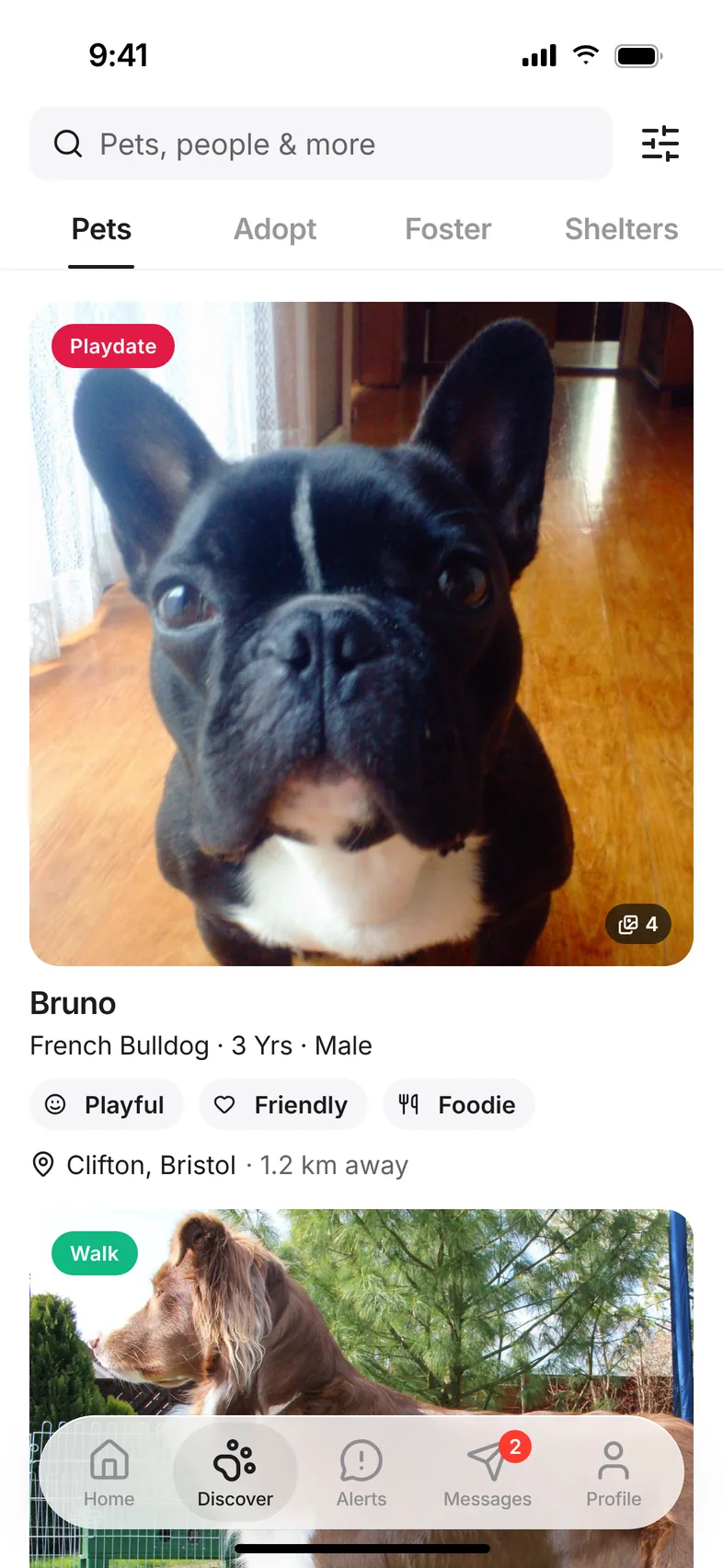
Browse the Adopt tab
Pets available for adoption near you, with photos, age, temperament and how far away they are.
Read their story
Each listing tells you about the pet and who is listing them, so you know who you’ll be talking to.
Send a request
Ask about a pet with one tap. You can cancel your request until the lister answers.
Talk it through
When the lister accepts, a chat opens to arrange a meeting and the next steps.
In the app
See it in the app.
A short walkthrough of the real app. It plays by itself; tap a step to jump to it.
Step 1 of 3 · Start on Discover, Adopt
Tap Discover
3 steps · 1:02
Read every step as text
Start on Discover, Adopt (Discover tab › Adopt)
- Tap Discover
- Tap Adopt
- Adopt or Foster. Switch between pets for adoption and pets that need a foster.
- Filters. Distance, type, breed and more.
- Post a listing. Rehoming a pet, or need a foster? Tap +.
- Tap to see the full story
Meet the pet (Discover tab › Adopt › Tap a pet)
- Adoption or foster
- Their story. Why they need a home, and what they’re like.
- Good to know. Vaccinations, special care and other details.
- Posted by. A person or a shelter. Verified shelters show a badge.
- Send an adoption request. The poster reviews requests and chooses who to talk to.
Post your own listing (Discover tab › Adopt or Foster › +)
- Tap Discover
- Tap Adopt or Foster
- Tap +
- Adoption or foster
- Photos
- The basics. Name, type, breed, age, gender and size.
- How long. For fosters: how long you need someone.
- Special care. Medication, no stairs, anything a carer needs to know.
- Post. It appears in Discover and on your profile.
2 more screens in the full guide.
Read the full step-by-step guideQuestions.
Can I adopt through the website?
No. Adoption listings and requests are in the Hushku app for iPhone and Android, which is coming soon to the App Store and Google Play.
Does Hushku charge an adoption fee?
No. Hushku is free and never charges you to adopt. Shelters and rescues may have their own adoption fees, which they’ll explain in chat.
Who lists pets for adoption?
Shelters and rescues with shelter accounts, and individual owners who need to rehome a pet.
What happens after I send a request?
The lister sees it and can accept. If they do, a private chat opens between you. Nothing is agreed until you both are happy.
I’m a shelter. Can I list our animals?
Yes. Create a shelter account in the app and post adoption and foster listings for free.
