Skip to content

The app is built. Coming soon to the App Store and Google Play.Join the waitlist

How do I make my profile private?

Short answer

Go to Profile, Settings, Account privacy and choose Private. Your personal pets are then only visible to people in your Circle.

See it in the app

Interactive demo

See it in the app.

3 screens. Tap a number to see what it does. Dark numbers open the next screen.
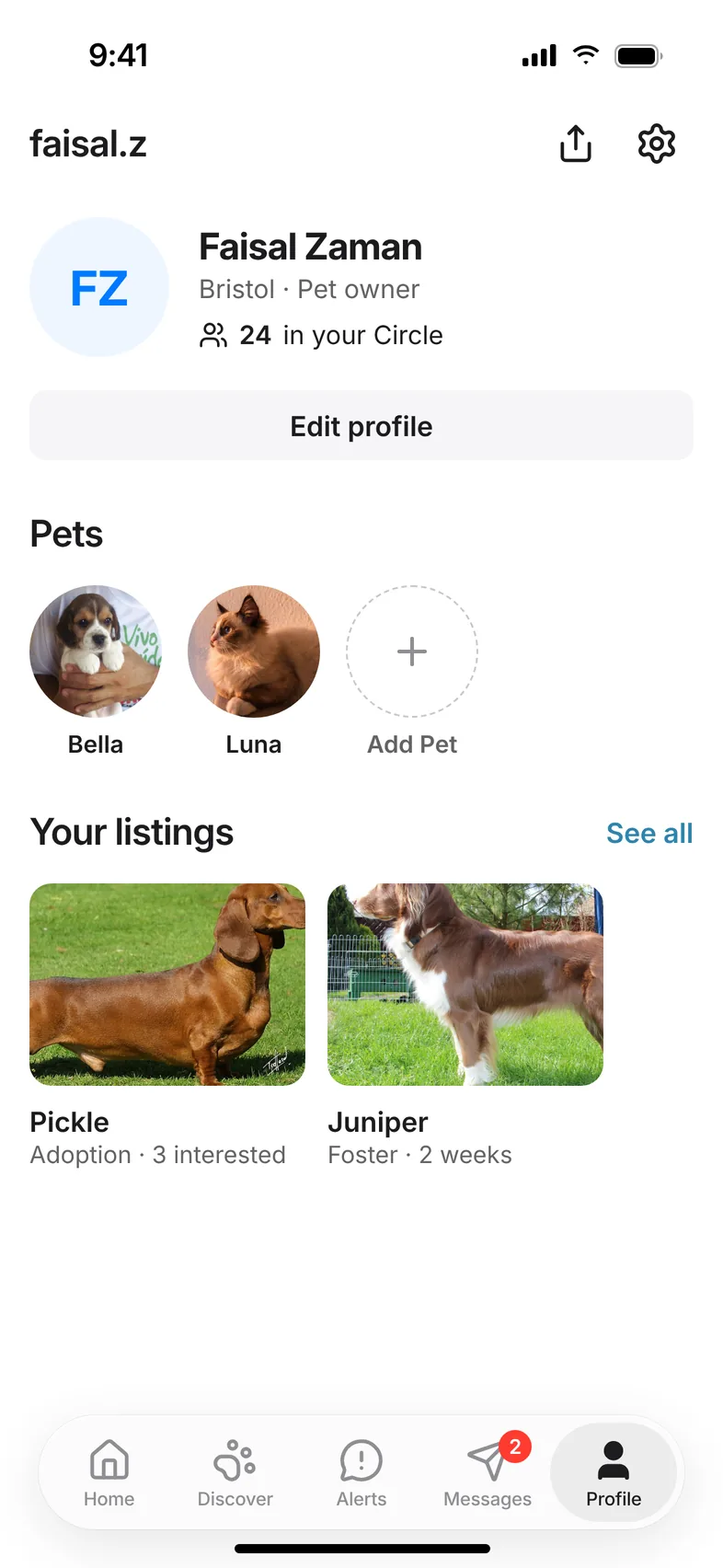
Your Hushku profile: your pets, Circle, listings and settings

Screen 1 of 3

Open Settings

Get the app

Everything happens in the app.

Playdates, adoption, lost and found alerts and your pet's care all live in Hushku for iPhone and Android. The app is built and on its way to the stores.

Free for every dog and cat. One email on launch day.

  • Coming soon onApp Store
  • Coming soon onGoogle Play

Got a soft spot for animals? Volunteer with us

Hushku app welcome screen with Create Account, Google and Apple sign-in