How do I share and sync my pet’s care with someone else?
Short answer
Invite them to your pet’s Care Team. Their phone and yours then show the same checklist, reminders and records, and every task shows who did it.
Step by step
- 1On Home, tap Manage next to Care Team.
- 2Tap +, then search for them by username or email.
- 3Choose Caregiver or Viewer and tap Send Invite.
- 4They accept from Notifications. From then on, everything stays in sync.
Each person uses their own Hushku account. Changes appear on every phone on the team in seconds.
See it in the appInteractive demo
See it in the app.
5 screens. Tap a number to see what it does. Dark numbers open the next screen.
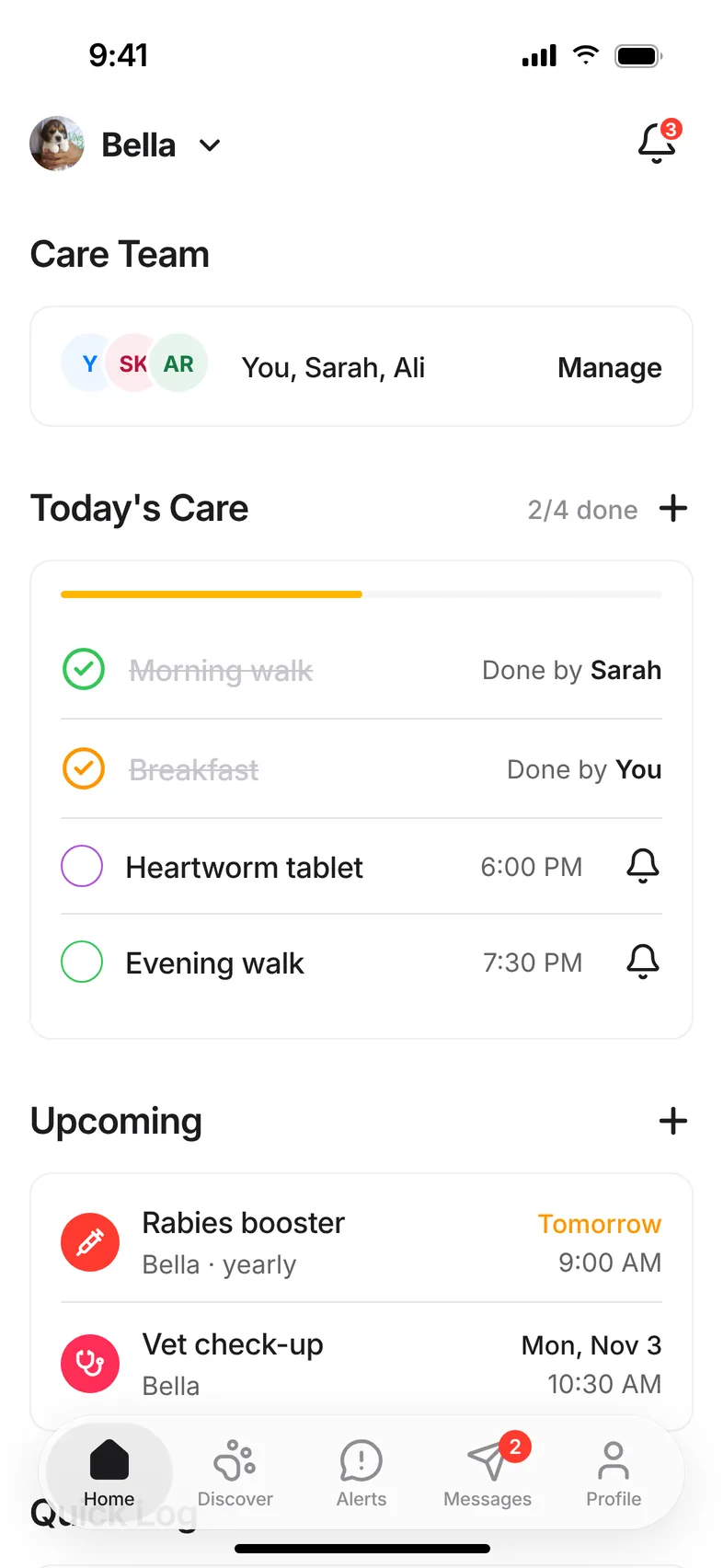
Screen 1 of 5
Start on Home
Related questions
Still stuck? Email hello@hushku.app and a real person will reply.
