My pet is lost. What do I do in the app?
Short answer
Open Alerts, tap +, and report your lost pet with photos and where they were last seen. People nearby see it and can contact you.
Step by step
- 1Open the Alerts tab and tap +.
- 2Choose My pet and pick them, or add their details.
- 3Add photos, colour or markings, and roughly where and when they were last seen.
- 4Offer a reward if you want to, then post.
Interactive demo
See it in the app.
2 screens. Tap a number to see what it does. Dark numbers open the next screen.
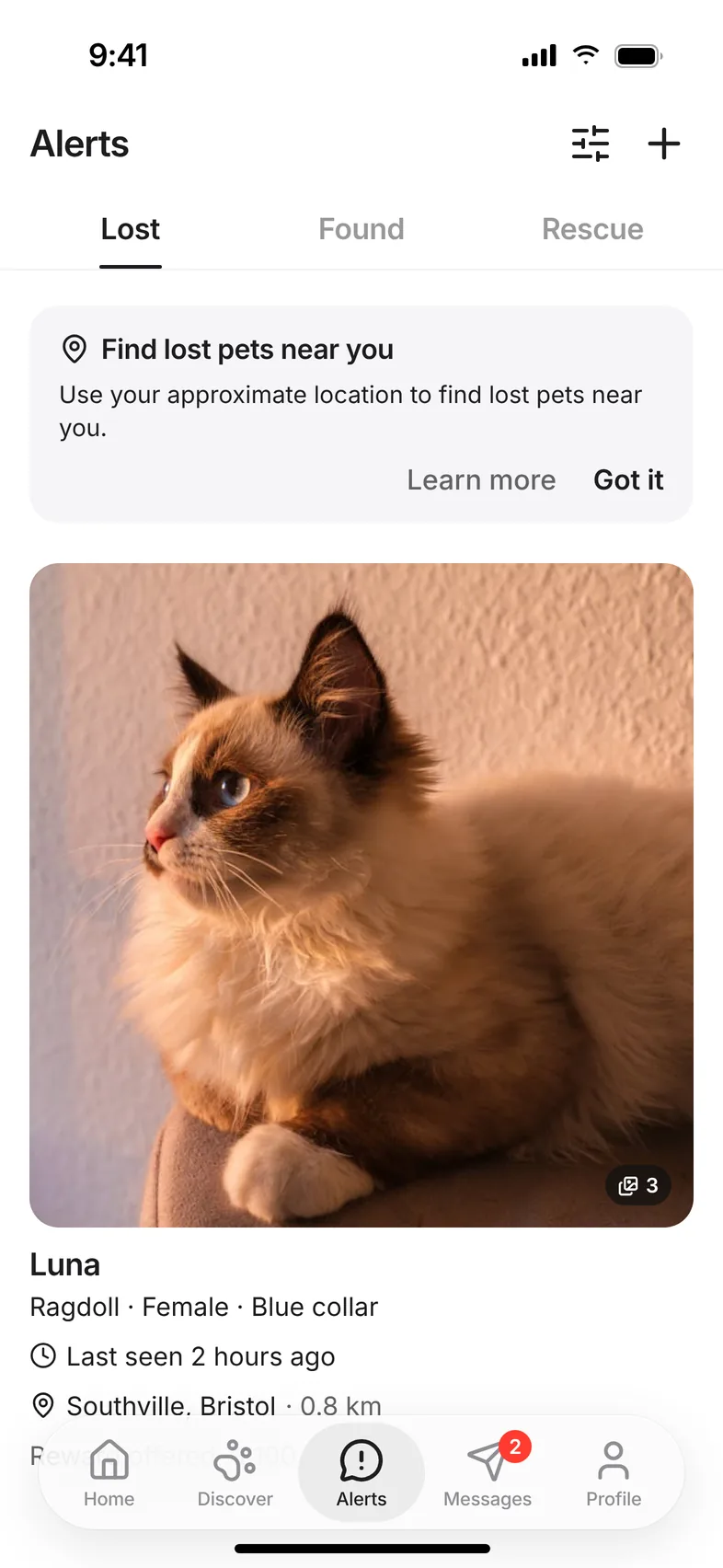
Screen 1 of 2
Start on Alerts
Related questions
Still stuck? Email hello@hushku.app and a real person will reply.
